What WWDC 2026 means for wallet
The newest wallet features, mapped to the surfaces Badge already powers
Here's What to Build
WWDC 2026 wasn't subtle about where Wallet is going. iOS 27 turns the humble pass into an interactive surface on your customer's lock screen — with buttons, real-time updates, and broader barcode support. None of it is cosmetic. All of it Badge is building for at the time of release.
Here's what changed and what it means for you.
Featured Actions: a button on the front of the pass
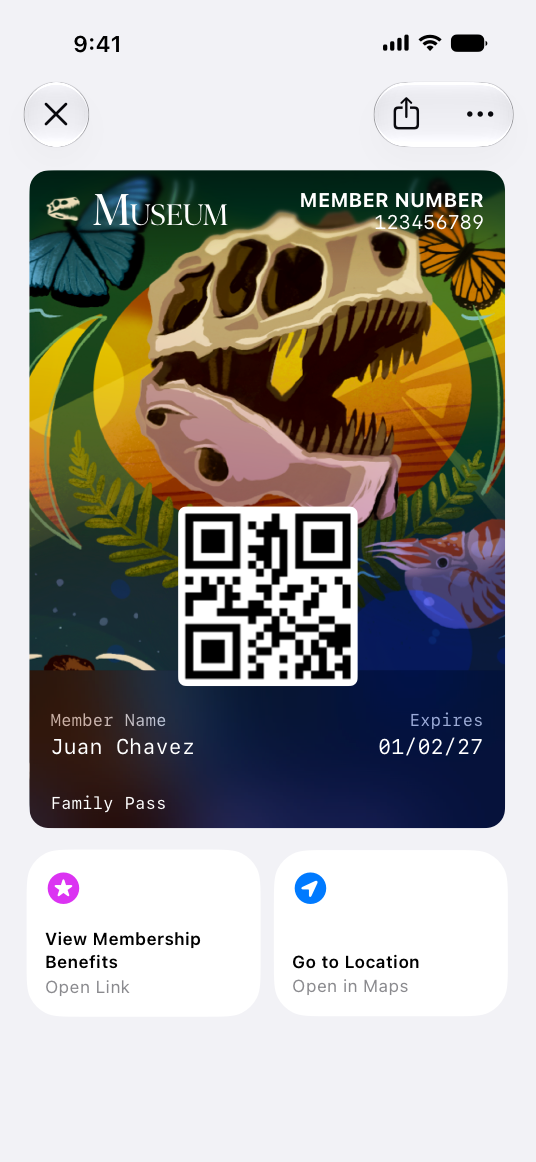
This is the headline. iOS 27 ships featured actions. Up to two tappable buttons that live on the face of the pass, each pointing to a URL. A membership benefits page. A renewal flow. Directions in Maps. An offer. Whatever move you most want the cardholder to make next.
For years a pass was a credential. Now it's a launchpad — and one that lives in the most-checked place on the phone.
The use cases write themselves:
- A retailer's "Shop New Arrivals" pointing straight to the new collection.
- A gym pass with "Reserve a Class."
- A loyalty card surfacing "Reorder Your Usual."
- A family membership with "View Benefits" and "Get Directions."
- A gift card with "Add to Balance", no app hunt required.
For a full list of Featured Actions, checkout Eric’s post.
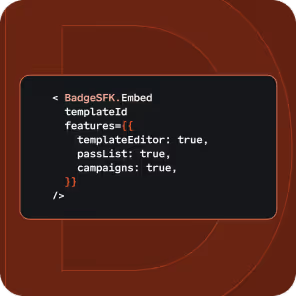
In Badge, featured actions are a first-class field:
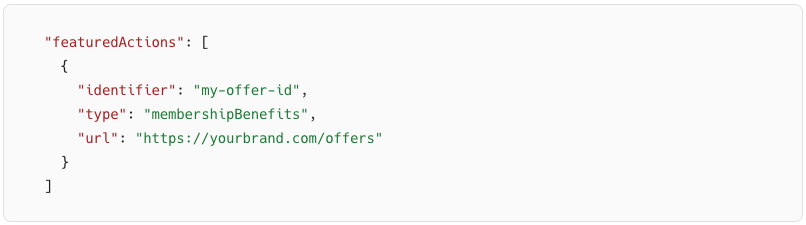
Two slots, ordered by priority, you control the type and the destination. If you're already issuing passes through Badge, this is the highest-leverage roadmap item you can ship this quarter. It converts a static credential into a conversion surface without asking anyone to open an app or re-download anything.
Live Activities: the pass that updates itself
Featured actions give the cardholder somewhere to tap. Live Activities give them a reason to look.
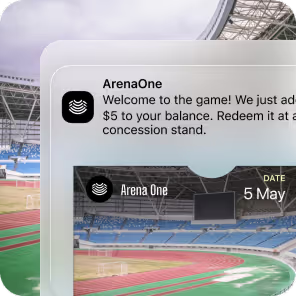
iOS 27 lets passes push live, glanceable updates to the Lock Screen and Dynamic Island, no app required. A match-day ticket that counts down to kickoff and flashes gate changes in real time. A hotel key that nudges you when your room is ready. A gym pass surfacing your next class. The pass stops being a static artifact and becomes a live channel that updates as the experience unfolds.
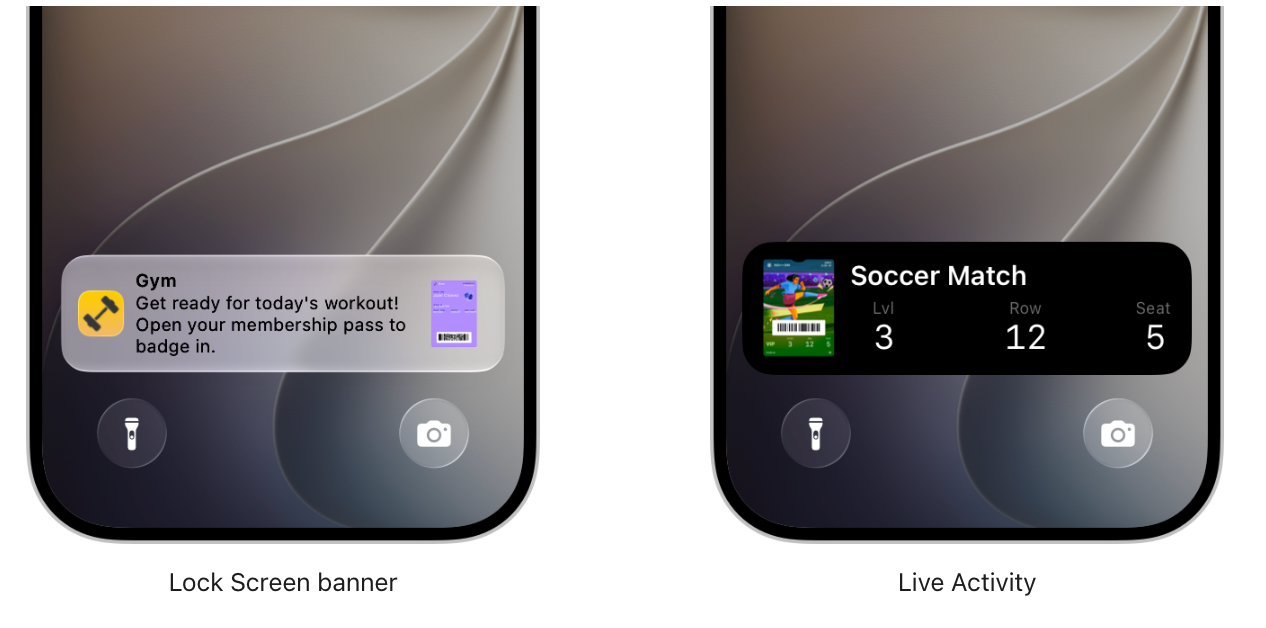
This is where the strategy locks in. Together, featured actions and Live Activities turn a credential into a recurring real-time touchpoint — the kind of owned surface brands usually have to fight for. Badge lets you push those updates programmatically, so the data your systems already have (seat assignments, class times, room status) flows straight onto the lock screen.
Four new barcode formats, one less migration
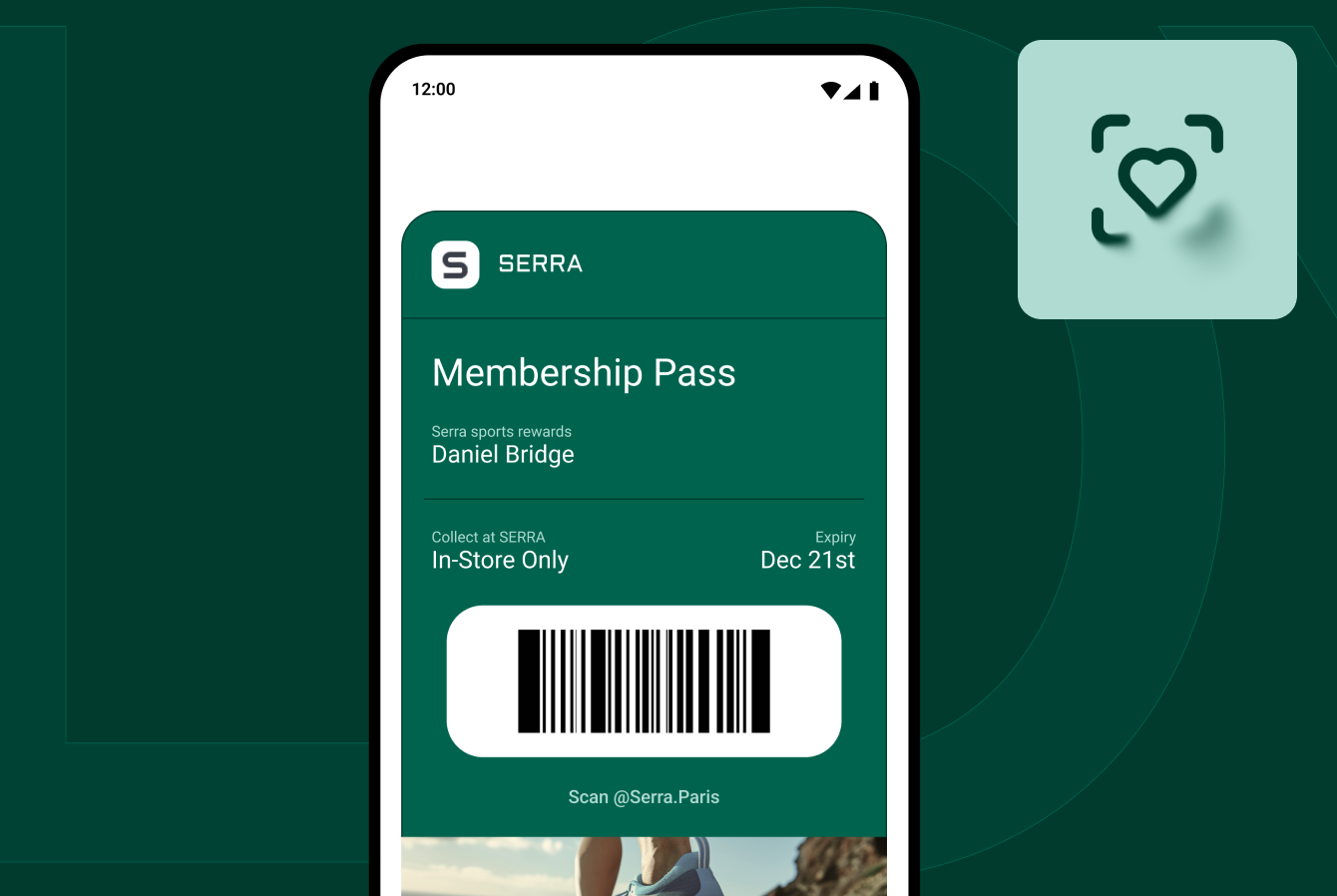
iOS 27 adds four new barcode symbologies: EAN-13, Code 39, Codabar, and Interleaved 2 of 5 (ITF).
.png)
If you've ever tried to bolt a legacy loyalty or membership system onto Apple Wallet and hit a format mismatch: your POS speaks EAN-13, but Wallet didn't. That gap is closing. You can now mint passes that align with the standards your existing infrastructure already uses. Badge handles the encoding; you pick the symbology and point us at your data.
Two new tools worth knowing (and one caveat)
Create a Pass lets users generate a Wallet pass from a physical card using the new Siri mode in the Camera app — point at a barcode, save it, done. It's a consumer feature, but it signals Apple's direction: every credential, digitized, frictionless.
Pass Designer is a new macOS app (beta on macOS 27) for building and previewing passes visually. Great for prototyping. But prototyping isn't shipping. When you need passes generated programmatically, versioned, updated over the air, and tied to real customer data at scale, that's the gap Badge fills.
For a full deep dive on pass design, checkout Sarah’s post.
The bigger picture
A few headline features aren't pass-API changes, but they tell you where the platform is heading.
Tap to Share lets a customer tap iPhone-to-iPhone to pass email, shipping, and loyalty data to a merchant while watching their basket update live.
Apple Pay checkout is being redesigned this fall: users can swipe to switch cards and see rewards balances inline. iOS 27 also lets people add funds to an eligible debit card right inside Wallet or at checkout.
The enhanced hotel key experience turns room keys into a mini concierge, guests unlock doors and see trip details, activity updates, and on-site services in one place. A credential is no longer just an unlock token; it's a hub for everything around the experience. That's the same thesis behind featured actions.
The throughline: Wallet is becoming the place where identity, loyalty, and payment converge. Brands that show up with rich, actionable passes, not flat barcodes, are the ones who'll own that real estate.
What to do this week
The iOS 27 developer betas are live now. You don't need to wait for the fall public release.
- Audit your passes. Identify the two highest-value actions for each pass type. Those become your featured actions.
- Map your barcodes. If you've been blocked by a format mismatch, check whether EAN-13, Code 39, Codabar, or ITF closes the gap with your POS or access system.
- Wire up a Live Activity for your time-sensitive passes — events, reservations, check-ins. Anything where real-time status earns a look.
- Ship before the rush. Passes update over the air. You can roll out featured actions and Live Activities to your entire installed base today without asking anyone to do anything.
Apple made the canvas bigger. Badge is how you paint on it. Programmatic pass generation, Featured Actions to drive commerce, Live Activities, the new barcode formats, and over-the-air updates, without standing up your own pass infrastructure.
The lock screen is the most valuable screen your customer looks at all day. iOS 27 just handed you a button on it. Start building with Badge →
Sources: Apple Newsroom · 9to5Mac · MacRumors · Cult of Mac · PPC Land