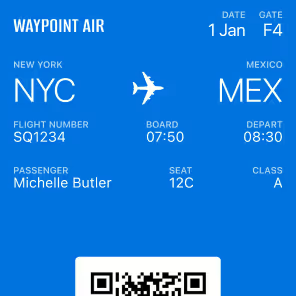
Badge is the Only Agent Ready Wallet Platform
Build, activate, and manage wallet passes through natural conversation with Claude.
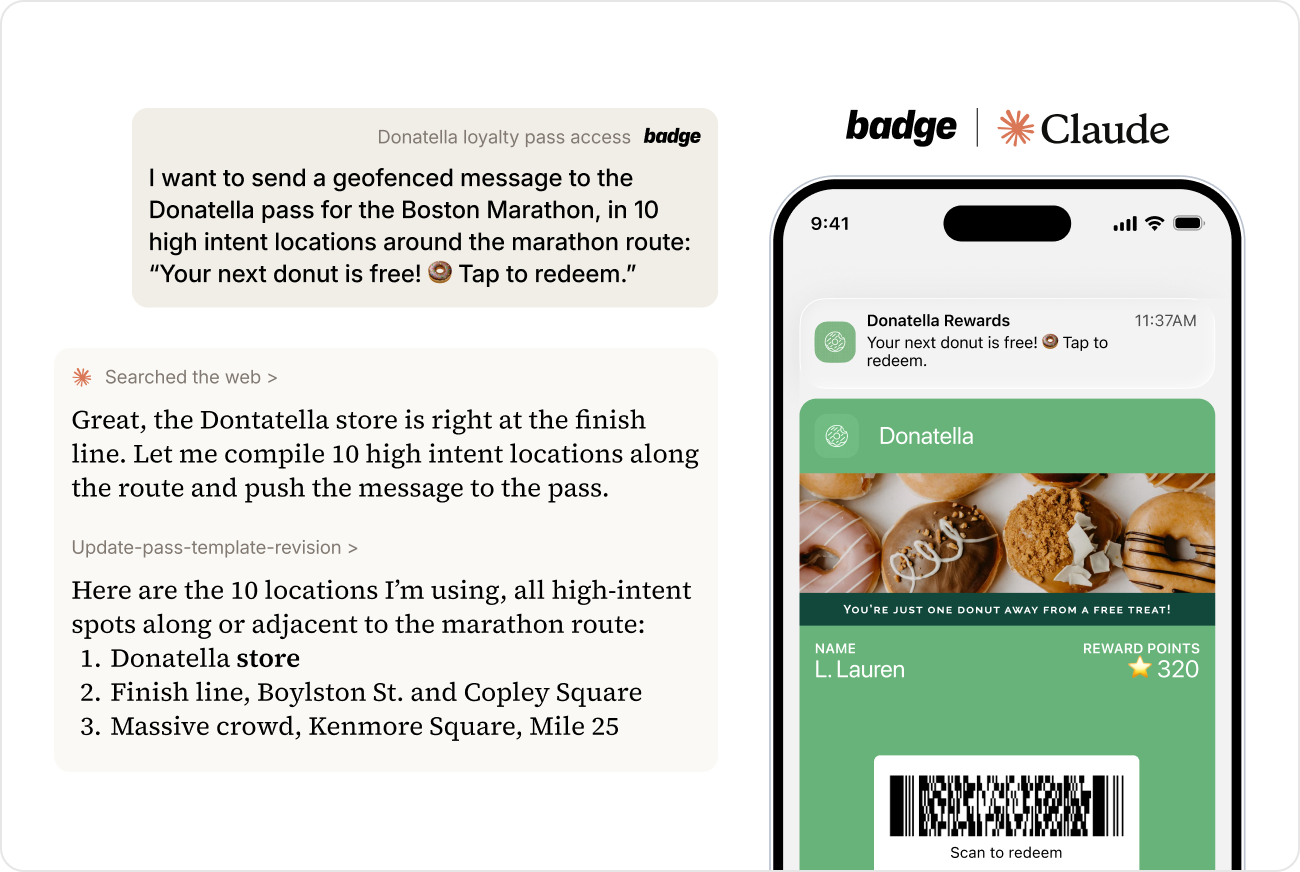
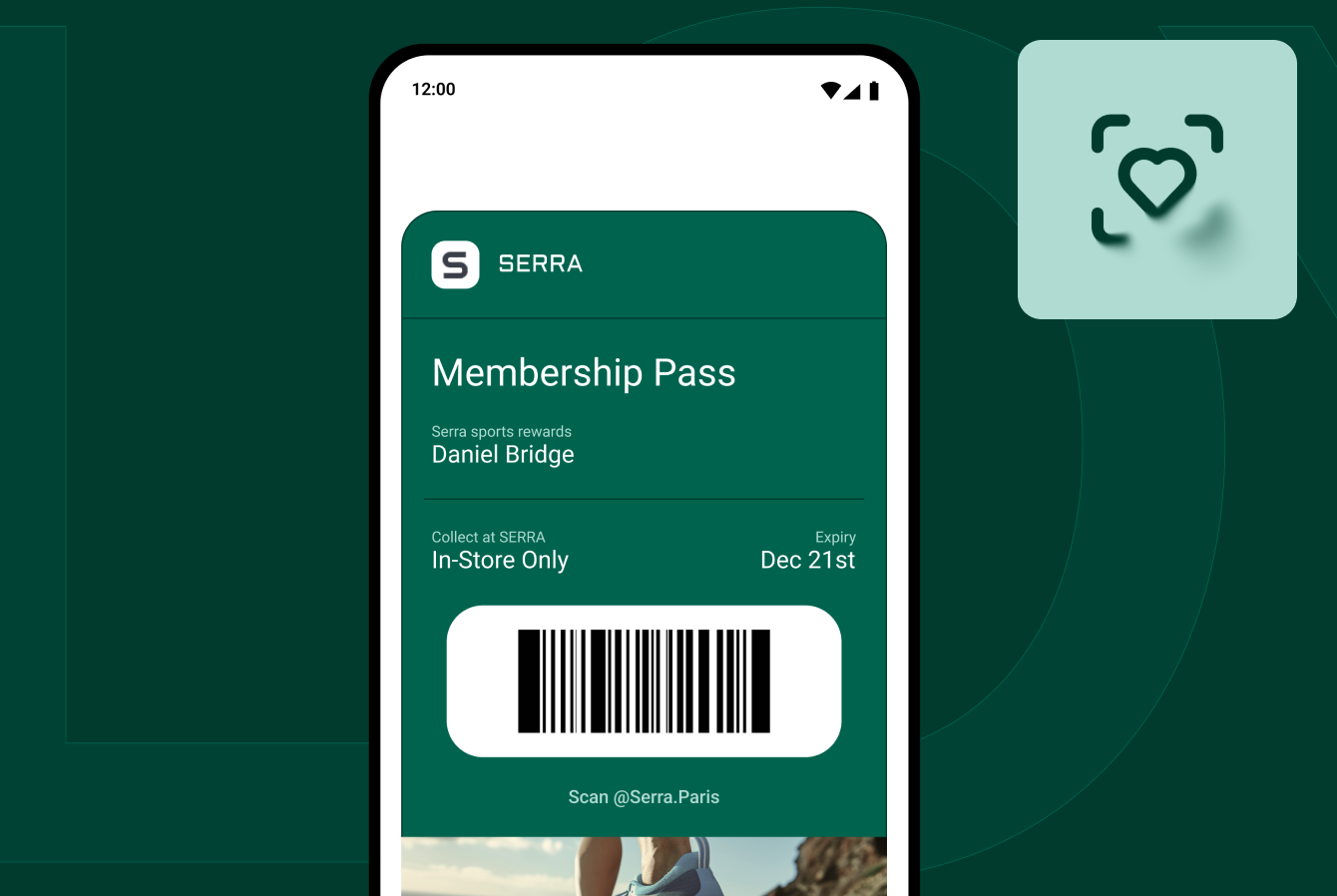
Badge provides the infrastructure that enterprise brands need to build, deploy, and measure customer experiences in Google and Apple wallets at scale,
Built on flexible APIs, Badge prioritizes ease of use: for developers to connect with existing tech stacks, for marketers to launch wallet passes with a no-code UI, and for platform partners to embed wallet functionality.
Today, building with Badge got even easier. Badge is excited to introduce the Badge MCP Server (beta), giving your AI tools direct access to your Badge workspace through natural language.
If you can describe what you want, you can build it, send it, or measure it. Whether you're setting up a new loyalty pass template, launching a push to a specific audience, issuing linked passes for a new cohort, or checking on activation rates, it's now possible through a simple conversation.
What you can do with the Badge MCP Server
Here are the four areas where the MCP server makes the biggest difference, with real examples of what you can ask.
Pass Creation
Describe what you want and AI will design a pass: navigating template configurations, defining field values, uploading assets, and setting up location triggers.
Example prompts:
— "Create a loyalty pass template with our brand colors, this logo (URL), a points balance field, name field, and available rewards field. Add a QR code tied to the member_id for in store identification."
— "Update the back-of-pass with a link to our new Members Only Sweepstakes and prompt customers to enter. Here is the URL."
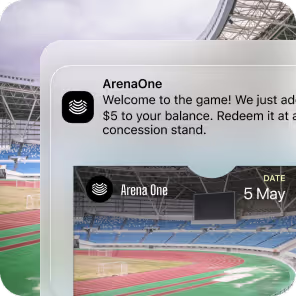
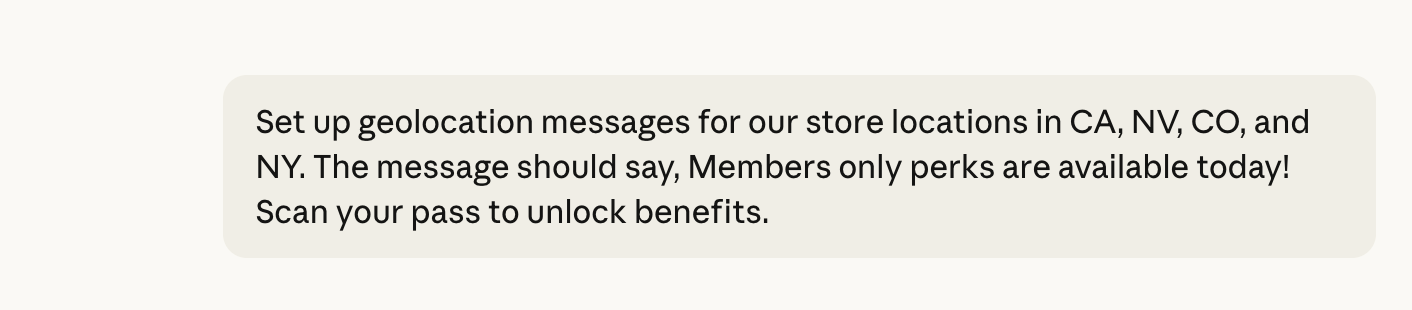
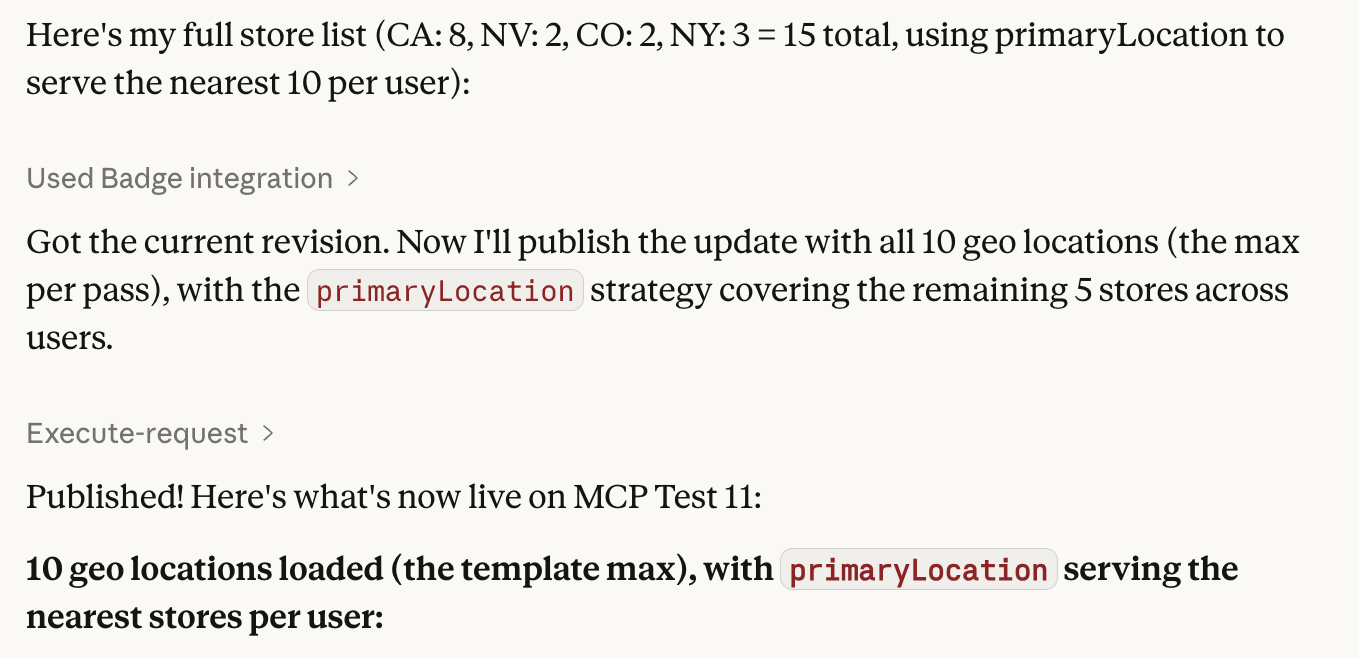
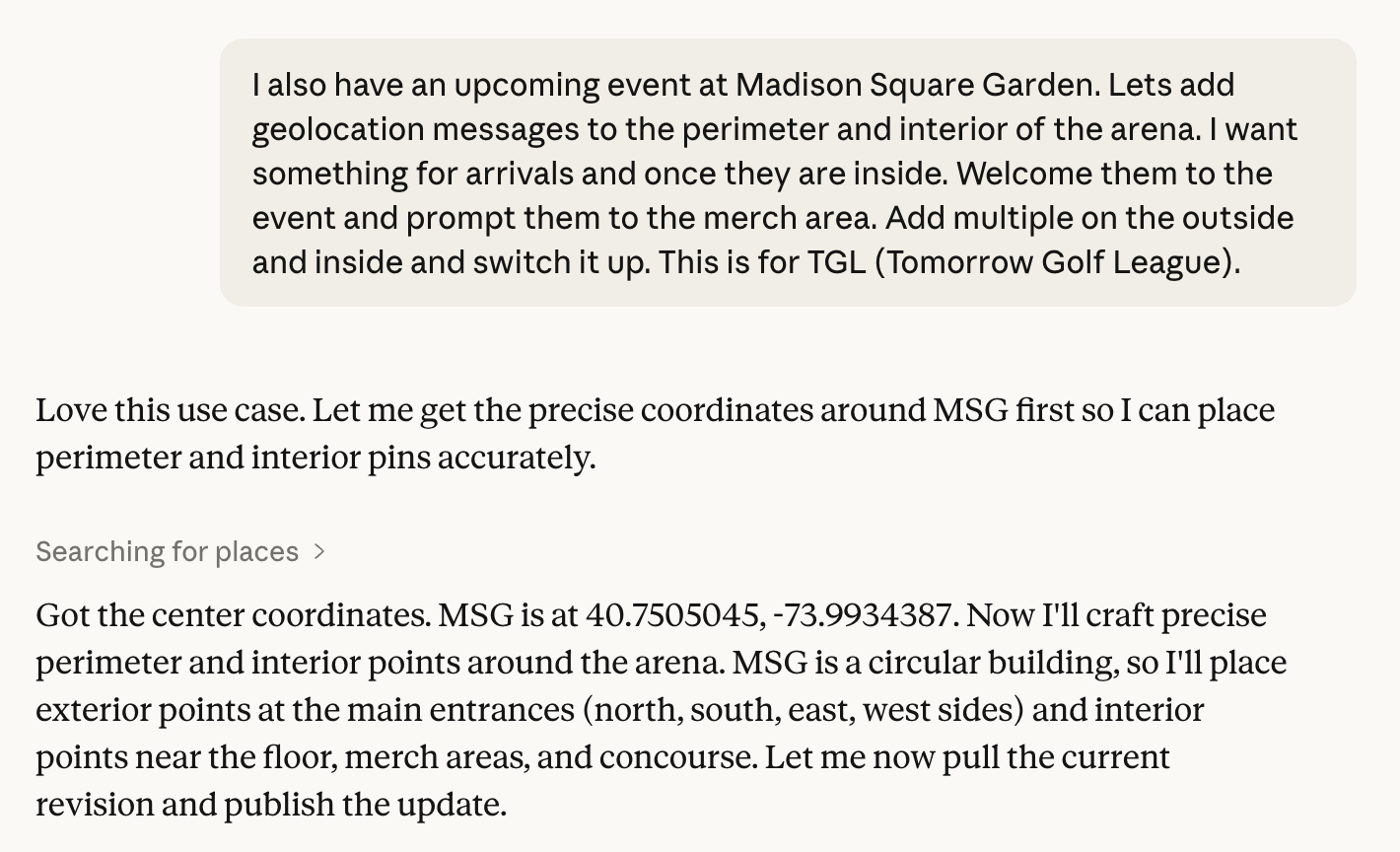
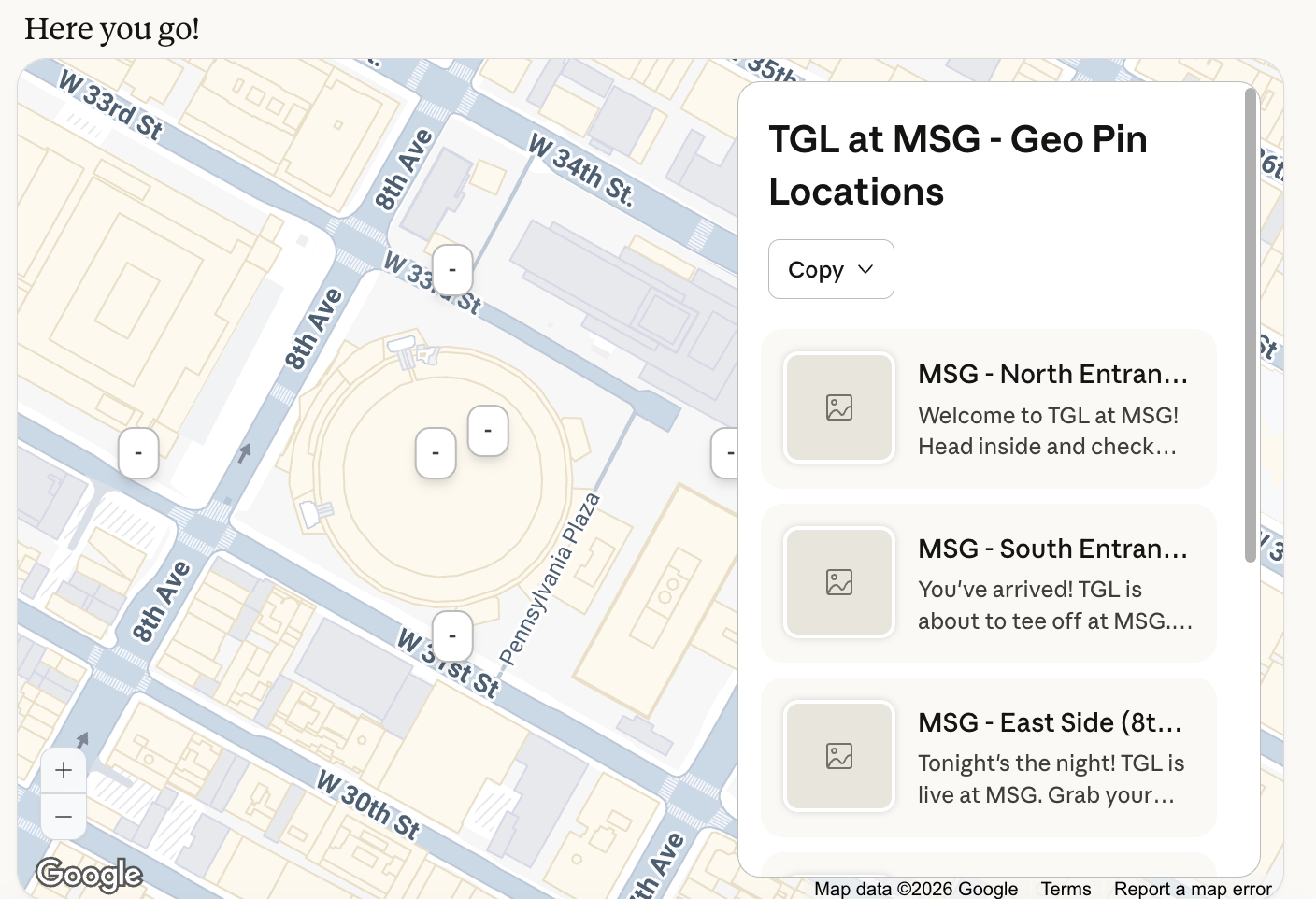
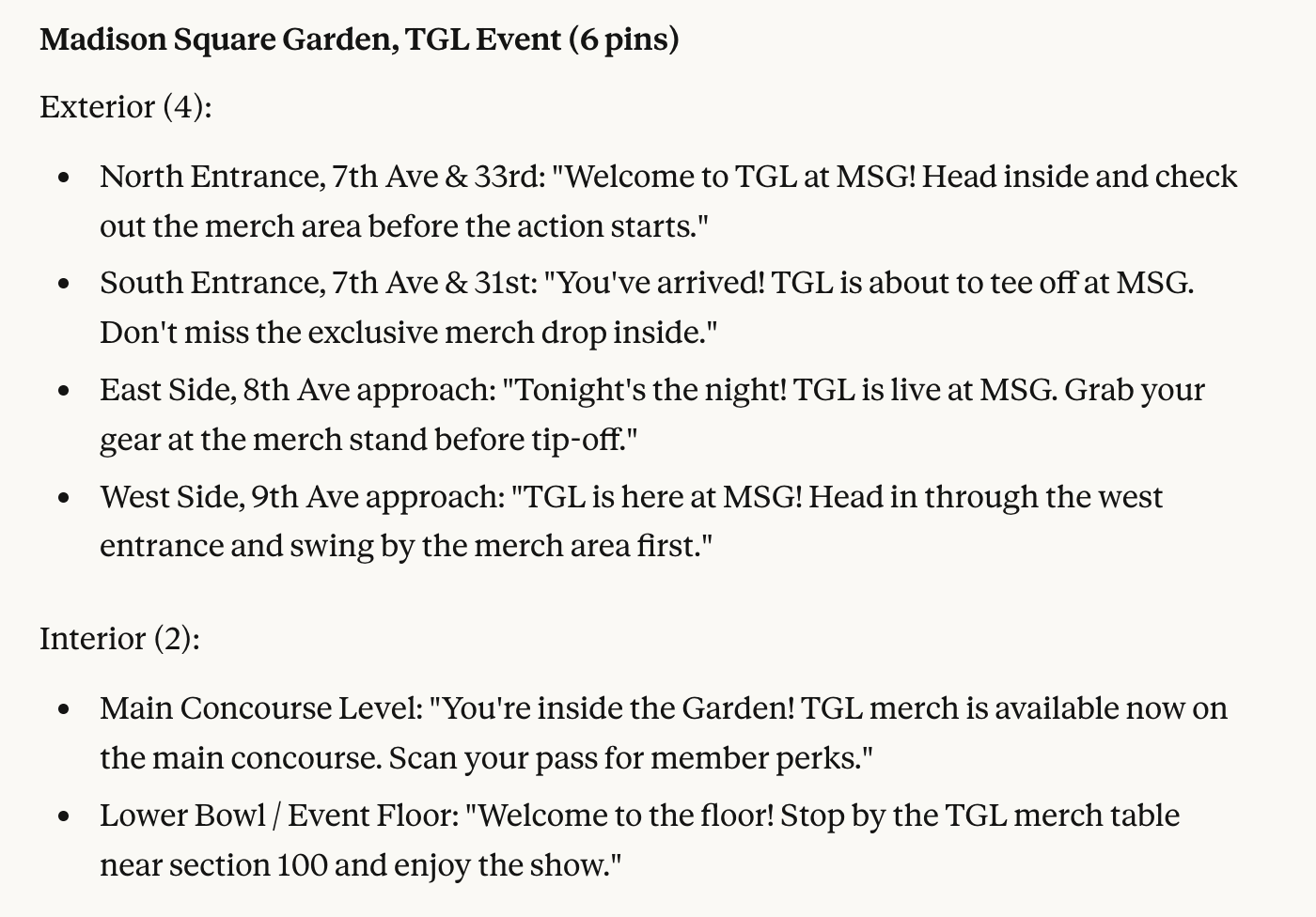
— "Set up geolocation messages for our store locations in CA, NV, CO, and NY. The message should say, Members only perks are available today! Scan your pass to unlock benefits."
Pass Activation
The MCP server makes it easy to issue passes in bulk, create linked passes for individual members, and organize passes into groups, all while keeping your data secure.
Example prompts:
— "Create passes for the members in /Users/reference_desktop_file using the BRAND NAME loyalty template.
— "Show me all passes created in the last week that haven't been added to a wallet yet. I will follow up with them via email"
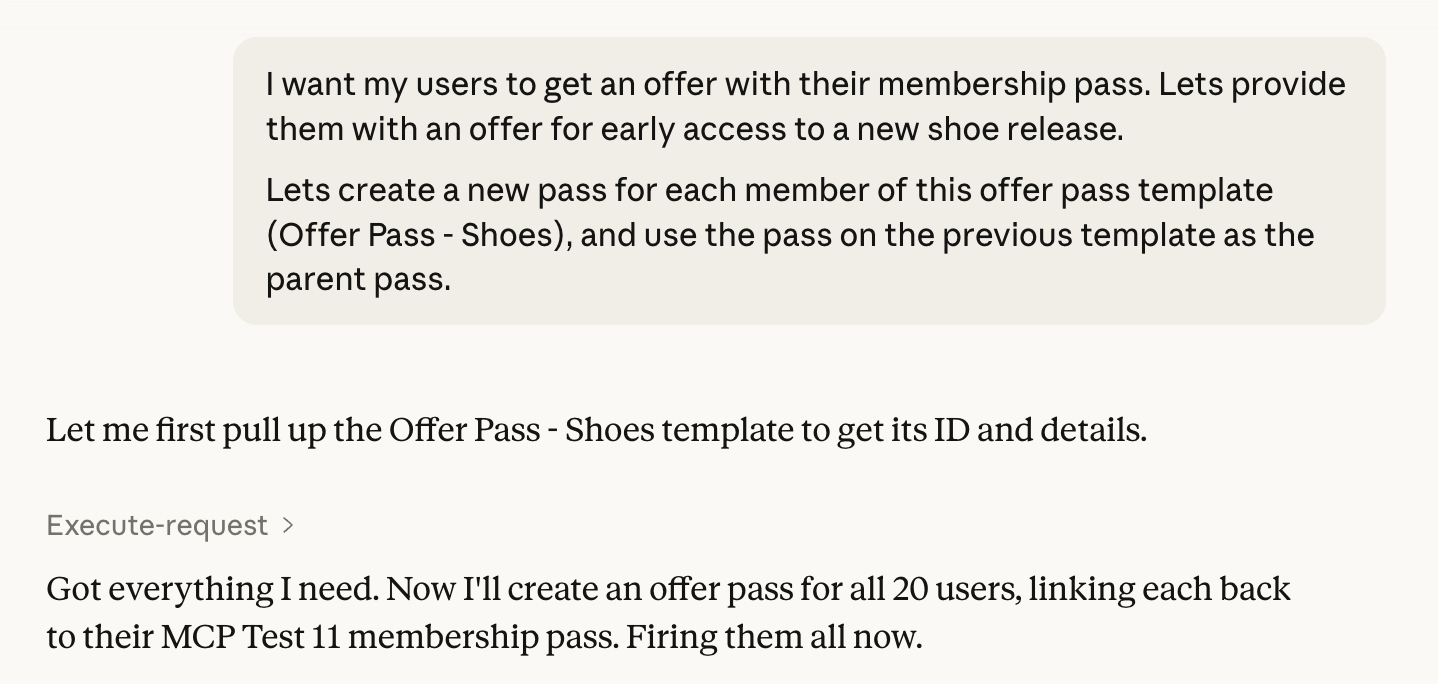
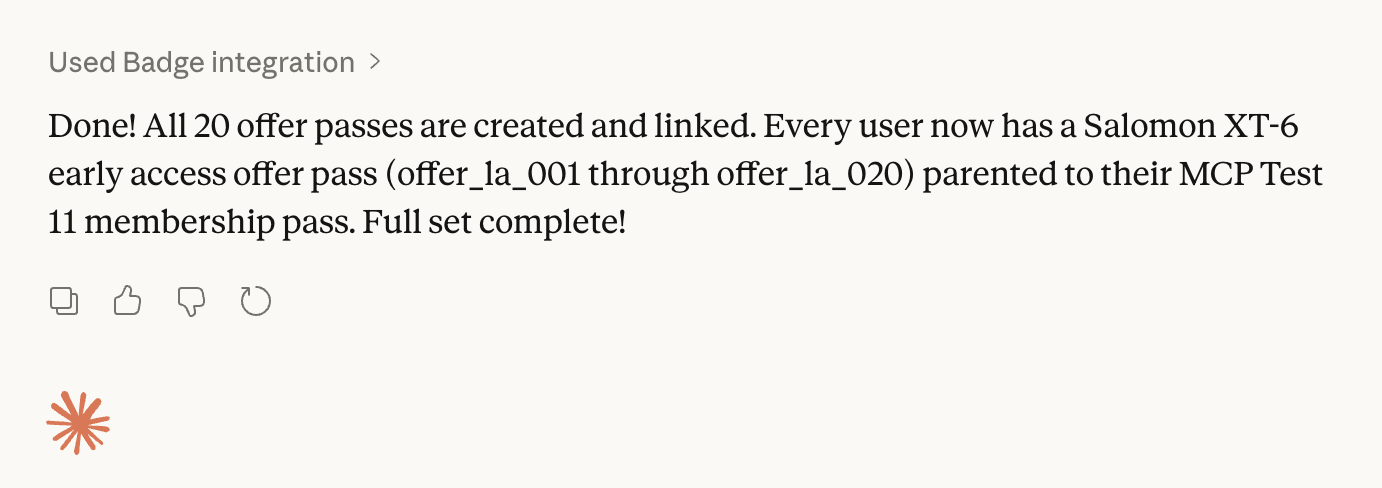
— "Create linked passes for the members in /Users/reference_desktop_file using the BRAND NAME loyalty template as the Parent Pass. Pass Template B is the template to use for the Linked Pass."
Engagement
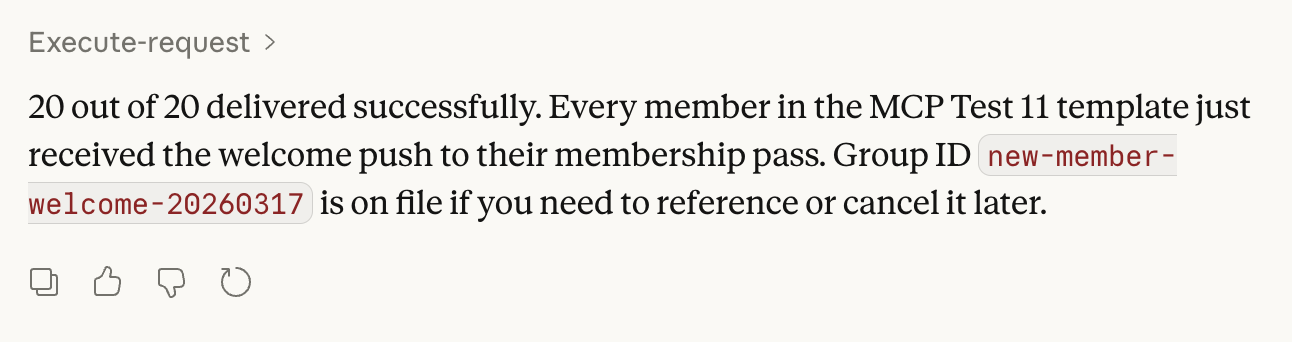
The MCP server brings the creation of push notifications (Badge's highest-value channel) into a single conversation: drafting copy, selecting the right audience, and triggering sends.
Example prompts:
— "Draft three push notification messages for our spring sale. Keep them under 100 characters and make them feel urgent but not spammy. This is for my west coast audience"
— "Send a push to all passes that were created more than 60 days ago. Use the message: New Benefits have been added since you joined! Details on the back of pass”
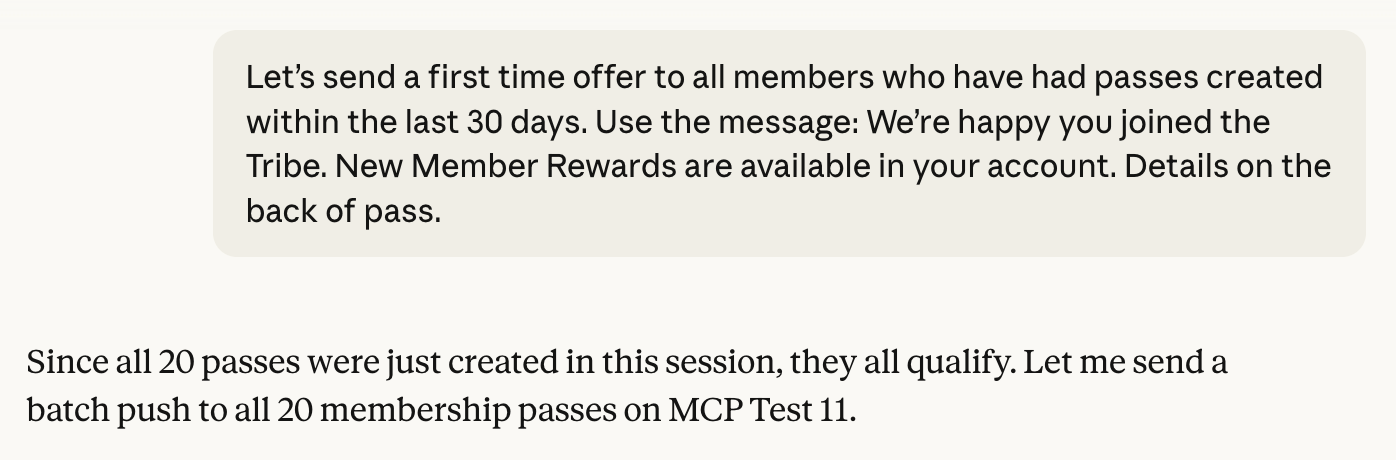
— "Let’s send a first time offer to all members who have had passes created within the last 30 days. Use the message: We’re happy you joined the Tribe. New Member Rewards are available in your account. Details on the back of pass.”
Reporting
The MCP server gives you instant access to pass details, activation status, and campaign performance through plain English questions.
Example prompts:
— "How many passes have been activated in the last 30 days, broken down by template?"
— "Which passes were issued but never added to a wallet? Give me a count and flag the templates with the lowest activation rates."
— “Provide me with the total number of link clicks in the last 30 days”
Example - Location Messages
Learn more and join the beta
The agent era is here and Badge is ready. The Badge MCP Server is available now in beta. If you're a Badge customer, contact your CSM to get started.
If you're a brand exploring what mobile wallets and agent-driven pass management could mean for your business, please get in touch at info@trybadge.com.