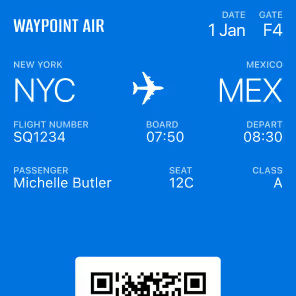
Apple Featured Actions
iOS 27 is now available to download. Featured actions are here. The Pass Just Became a Storefront.
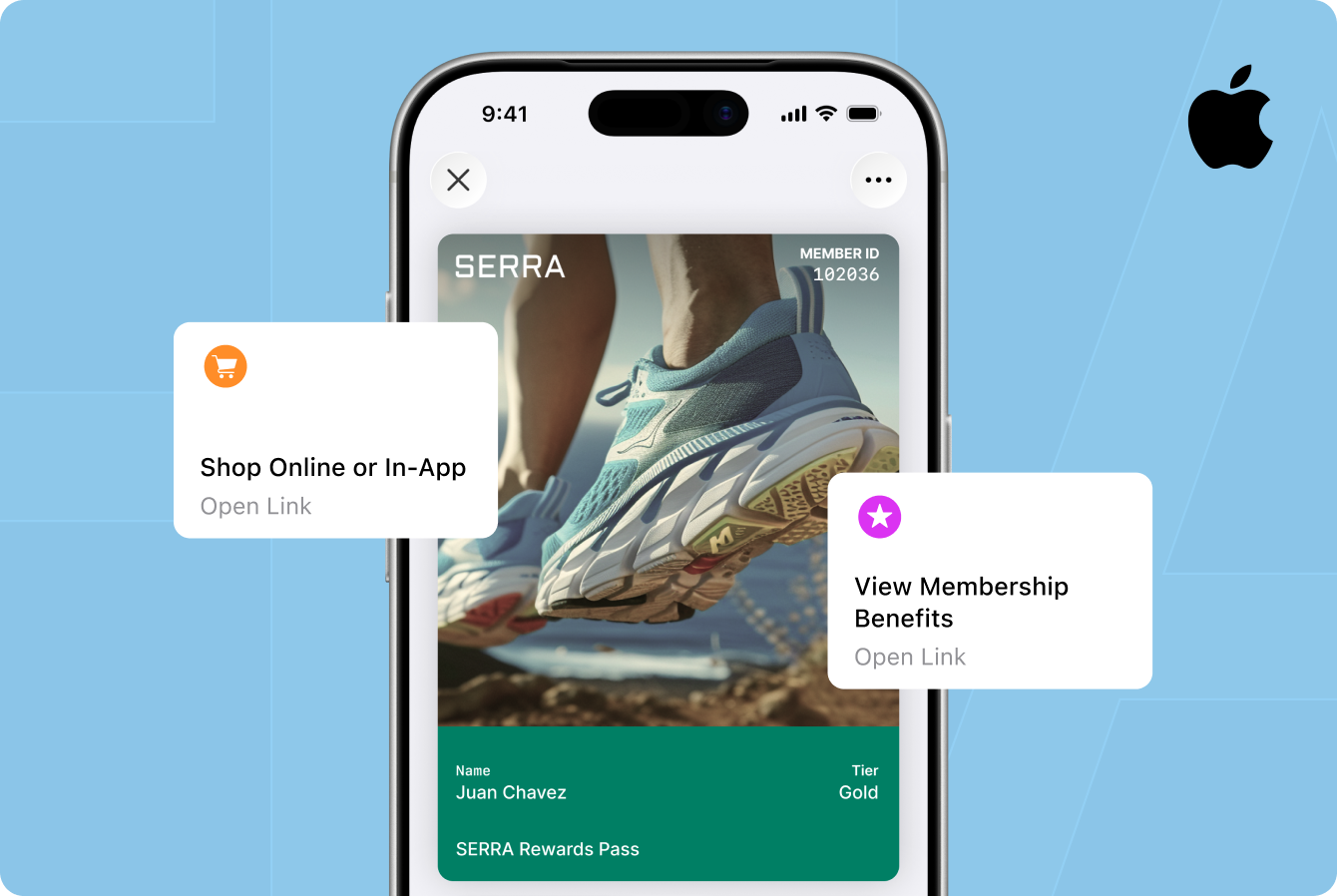
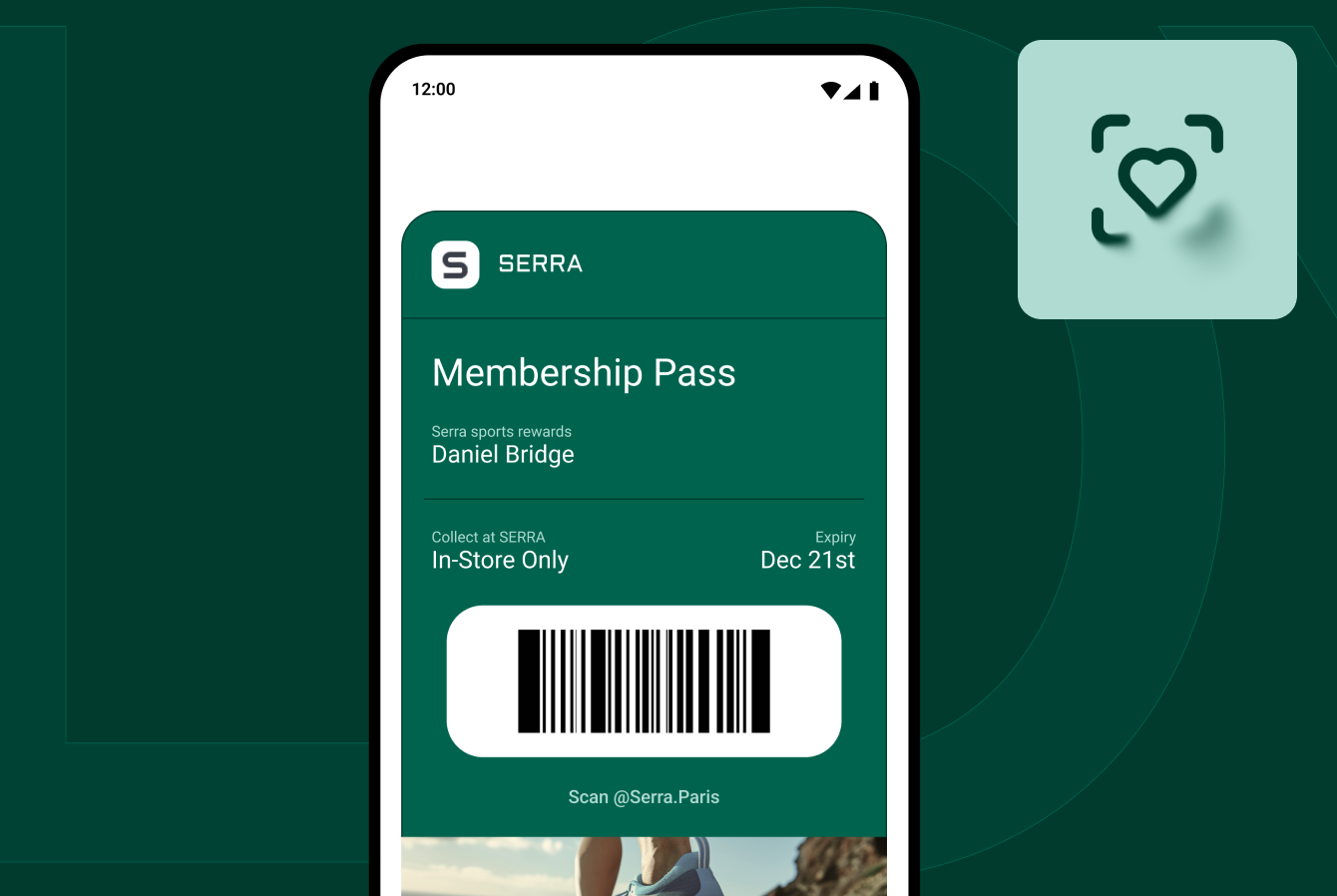
iOS 27 is now available to download. Badge shipped Featured Actions the same day.
We covered this in June when Apple announced it at WWDC. It has now shipped, and the question is no longer what changed. It is which two actions you choose.
What exactly is a Featured Action?
A Featured Action displays as a card when someone views your pass in the Wallet app. Each one is built from three parts:
- An icon, chosen from Apple’s SF Symbols. Apple recommends circular, filled symbols that read clearly at a glance.
- A string, a brief call to action.
- An action, which determines what happens on tap, typically opening a website or handing off to another app.
Here is the part most launch coverage will get wrong: you do not write your own button labels. Apple ships a defined set of Featured Actions, each with its own API value, and you choose from that set.
That constraint is the whole design. Apple is standardizing what a pass can ask a customer to do, so the experience stays consistent across every brand in a customer’s wallet.

Which Featured Actions does Apple support?
Apple defines a fixed set of fourteen actions across three categories. You choose from this list. There is no option to write your own label or invent an action type.
Membership (9 new featured actions):
- Shop Online or In-App. Opens your store, on the web or in your app.
- View Membership Benefits. Opens benefits, points, and tier status, in your app or on your site.
- View Offers and Rewards. Opens the offers and rewards tied to a customer’s membership.
- Add to Balance. Opens a flow to load funds onto the card.
- Order Delivery or Pickup. Opens ordering for delivery or pickup.
- Book an Appointment. Opens scheduling to reserve a time slot.
- Book a Car. Opens car rental booking.
- Book a Flight. Opens flight booking.
- Book a Stay. Opens hotel or hospitality booking.
Events (3 new featured actions):
- View Schedule. Opens the event schedule.
- Watch Trailer. Opens a trailer for an upcoming event.
- Listen to Music. Opens a playlist for the performing artist.
Generic (2 new featured actions, not supported by Badge at launch):
- Call. Opens the phone app to reach support.
- Go to Location. Opens Maps to a single location.
Apple recommends specific actions for specific pass types, such as View Schedule for an event ticket or View Membership Benefits for a membership pass. The Wallet passes documentation has the full reference.
The Membership category is where we'd start. It holds nine of Apple's fourteen actions, more than Events and Generic combined, and they read like a commerce roadmap: Shop, Order, Add to Balance, View Offers and Rewards. For anyone running loyalty, gift cards, or a rewards program, those four alone cover most of what you'd want a customer to do next.
Why this matters for commerce
Look at that Membership list again. Shop. Order. Add to Balance. View Offers and Rewards.
Apple did not build a generic link field. It built a set of commerce verbs and put them next to the card a customer already carries.
That matters because of where loyalty value tends to leak. Deloitte’s 2025 Consumer Loyalty Program Survey found that 40% of loyalty program members sometimes forget to redeem rewards they have already earned. That is not only an awareness problem. It is also a distance problem: the reward lives in one place, the customer lives in another, and between them sit a login, a menu, and a tab they have to go find.
View Offers and Rewards, sitting on the pass, removes most of that distance.
Wallet is also no longer a fringe surface. Digital wallets reached 11.8% of most recent in-store purchases in 2025, effectively level with cash at 12.1%, according to PYMNTS Intelligence.
Do Featured Actions work on every iPhone?
No, and this is the part worth planning around.
Featured Actions require a current OS on the customer’s device. Customers on earlier versions can continue to see your pass, but backward compatibility is something you configure, not something you get automatically. Apple’s guidance for semantic passes is explicit: include pass fields alongside semantic tags so customers on earlier OS versions can still view the pass on their devices.
Two practical consequences:
Your rollout is governed by adoption, not by your ship date. Configure Featured Actions now, and the cards appear for each customer as they upgrade. Apple publishes iOS adoption figures, and the curve is typically steep early with a long tail. Expect a stretch where a real share of your base continues to see the pass without them.
Do not build a campaign that only works with the cards. If a Featured Action is the only route to an offer, customers on older versions have no route at all. Treat them as an accelerator on a flow that already works.
The upside: passes update over the air. You can push Featured Actions to your entire installed base without asking anyone to reinstall anything.
How should you choose your two?
Two is a real constraint, and it is a useful one. It forces a decision about which single interaction matters most.
A framework that holds across pass types:
Slot one: the highest-frequency action. What this customer does most often with your brand. For a coffee chain, Order Delivery or Pickup. For a grocery loyalty card, Shop Online or In-App. This is the card that earns repeat taps and makes the pass feel useful rather than decorative.
Slot two: the highest-value action. What you most want them to do that they are not already doing. View Offers and Rewards to surface an unredeemed reward. View Membership Benefits to drive tier awareness. Add to Balance to increase stored value.
Sensible pairings from Apple’s set:
- Retail loyalty: Shop Online or In-App, plus View Offers and Rewards
- Gift card: Add to Balance, plus Shop Online or In-App
- Membership: View Membership Benefits, plus Book an Appointment
- Restaurant: Order Delivery or Pickup, plus View Offers and Rewards
- Hotel: Book a Stay, plus View Membership Benefits
- Live event: View Schedule, plus Listen to Music
We are publishing a full best practices guide with the complete decision framework by vertical. Read the Featured Actions best practices guide.
What this says about Apple’s investment in Wallet
Featured Actions did not arrive alone, and that is the bigger story.
The same release brings Live Activities for passes, pushing real-time updates to the lock screen and Dynamic Island with no app required. It adds four new barcode symbologies, closing long-standing format gaps with legacy POS systems. It ships Create a Pass, letting a customer digitize a physical card with their camera, and Pass Designer, a macOS app for building passes visually. Apple also redesigned the Apple Pay checkout flow and rebuilt the hotel key into something closer to a concierge.
That is not a feature release. That is a platform bet.
For over a decade Apple treated Wallet as a container, a safe place to keep credentials. This release treats it as a surface, somewhere brands can build and transact. And the specific choice to standardize a vocabulary of commerce actions rather than ship a generic link field says Apple expects the pass to be a place where transactions begin.
Getting started with Badge
Featured Actions are live in Badge as of September 14, the same day iOS 27 became available to download. They are a first-class field: two slots, ordered by priority, with the action type and destination under your control. No custom pass code and no certificate work. Badge lets you build backward compatibility into the same pass design, so you can reach pass holders regardless of their OS version.
Badge supports 12 of Apple's 14 action types at launch, every action in Membership and Events. Go to Location and Call are the two exceptions, and they're on the way.
If you already issue passes through Badge, this is a configuration change rather than a project, and your existing passes update over the air so the cards reach customers as they upgrade.
If you do not, this is a good moment to move. The brands showing up with actionable passes rather than flat barcodes are the ones who will own the most valuable screen a customer looks at all day.
Start building with Badge or talk to us about which two actions belong on your pass.
Featured Actions API fields
Membership: shop (Shop Online or In-App), order (Order Delivery or Pickup), membershipBenefits (View Membership Benefits), addToBalance (Add to Balance), bookAppointment (Book an Appointment), bookStay (Book a Stay), bookFlight (Book a Flight), bookCar (Book a Car)
Events: viewSchedule (View Schedule), watchTrailer (Watch Trailer), listenToMusic (Listen to Music)
Generic: place (Go to Location), call (Call) *note: not yet supported by Badge.
Further reading: What WWDC 2026 means for wallet · Apple Wallet passes documentation
Sources: Apple Developer Documentation, “Defining the metadata of your Wallet Pass.” Deloitte Consumer Loyalty Program Survey, 2025 (5,564 US adults who are loyalty program members). PYMNTS Intelligence, “Apple Pay @11,” 2025.