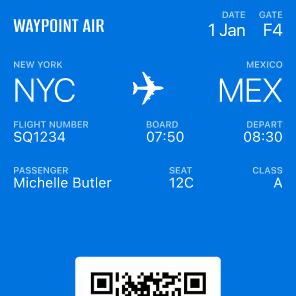
Google Wallet iPhone
Google Wallet launched on iPhone in the US on November 17. Here’s what the app does today, what it doesn’t include yet, and why it’s another sign that the wallet is valuable beyond payments.
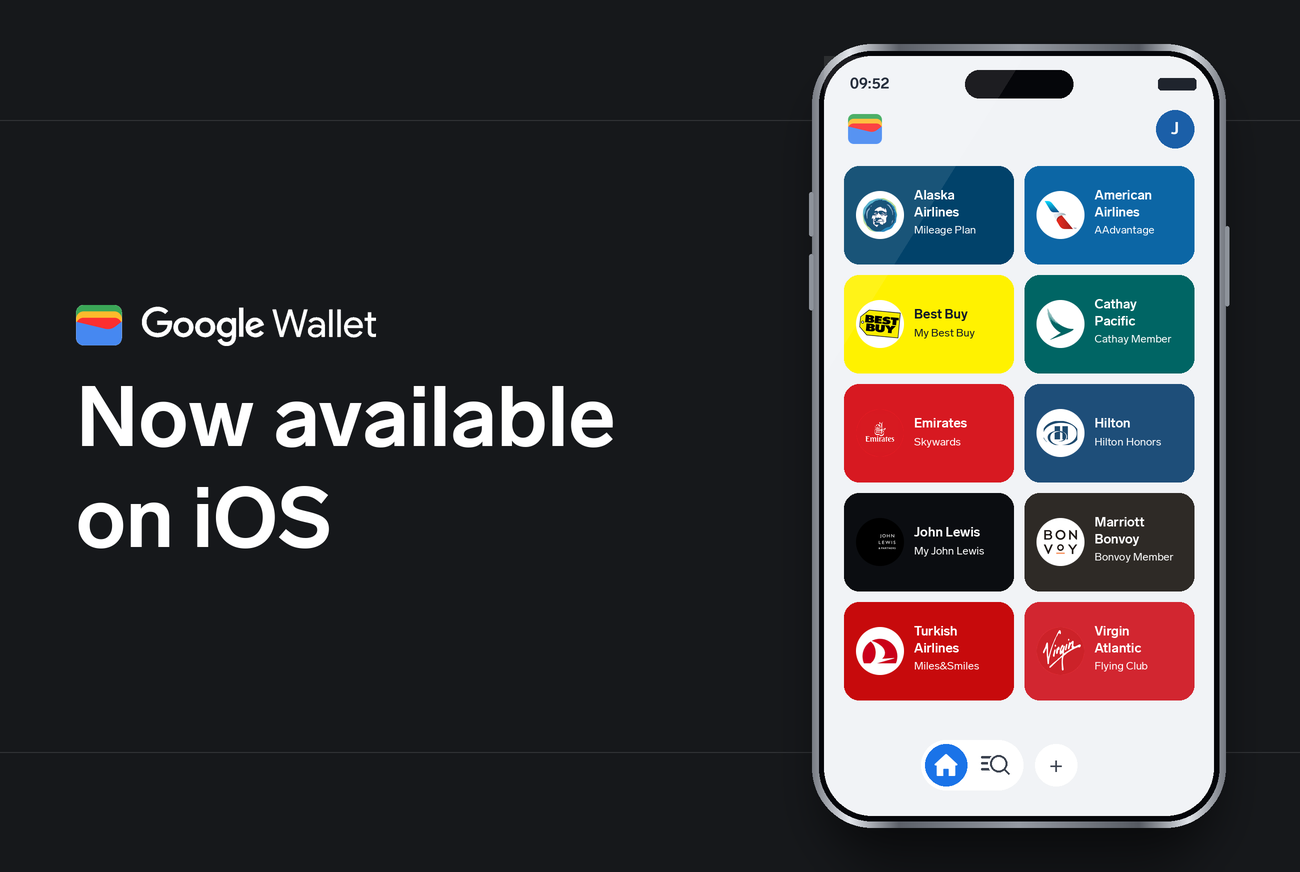
Google Wallet is on iPhone.
It launched in the US this week. Tickets, boarding passes, loyalty cards and online checkout all work. Tap to pay in stores does not, yet.
What Google launched
On November 17, 2026, Google announced that the Google Wallet app is available on iOS across the US. According to Google, the app:
- Organizes boarding passes, concert tickets, receipts and package tracking by syncing with Gmail and other Google apps
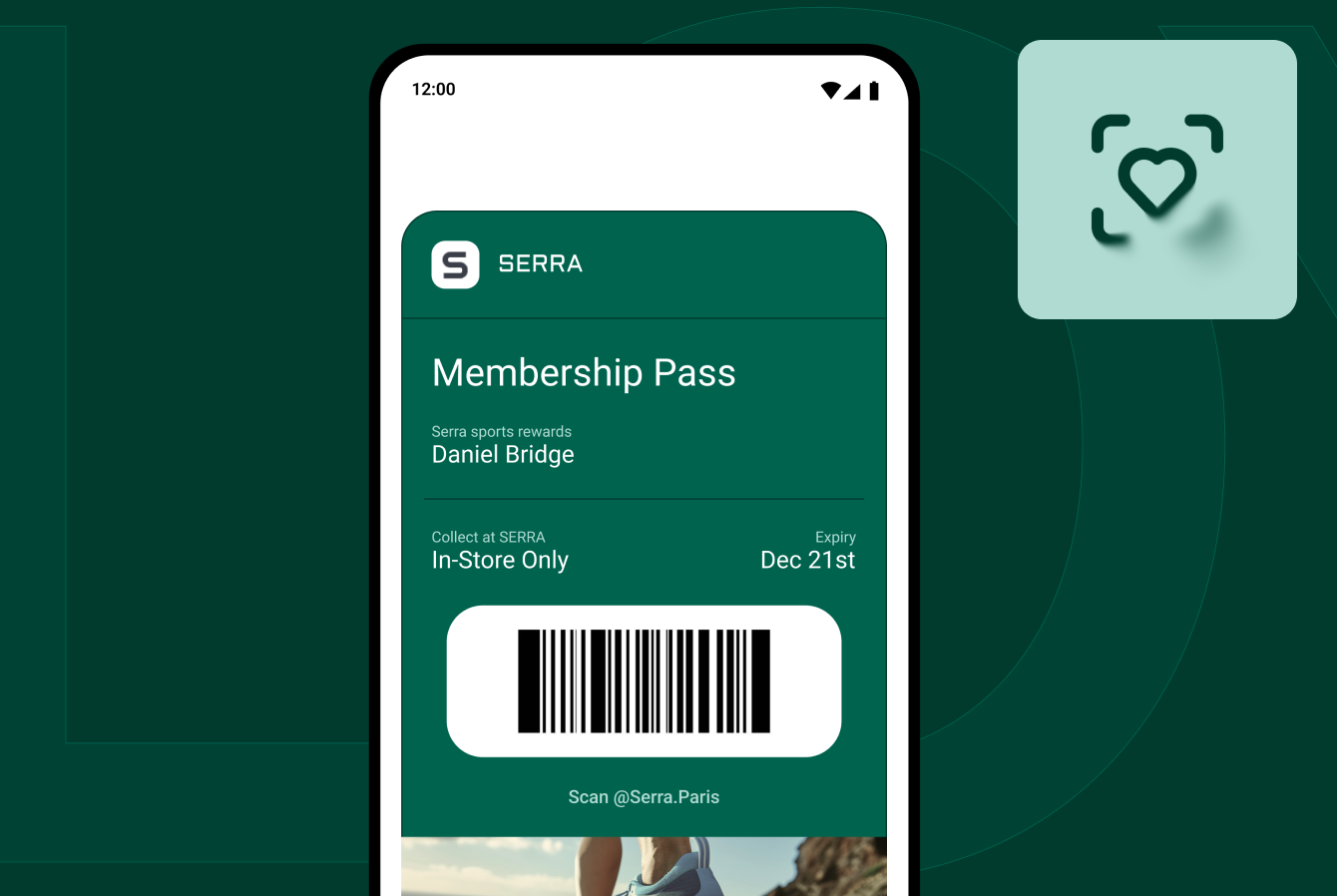
- Lets customers add physical loyalty cards and gym memberships by scanning them with the phone’s camera
- Stores payment cards for faster online checkout across Google
9to5Google reports that the home screen shows recent purchases, then boarding passes, then a grid of loyalty cards, and that gift cards can be added for use in Chrome.
For iPhone owners who already use Gmail and other Google services, the app brings purchases, travel and cards into one place.
Another validation point that wallet is valuable beyond payments
The launch also says something about where wallets are heading. Google brought its wallet to iPhone before in-store payments were available there, and one of the headline features is the ability to digitize loyalty cards. That’s another validation point that the wallet is valuable beyond payments. Loyalty cards, memberships, tickets and boarding passes give customers reasons to open the wallet that have nothing to do with the payment terminal.
Wallet as the hub of the ecosystem, not a standalone app
The launch is also another step toward making the wallet part of a wider ecosystem rather than a standalone app. Google describes it in those terms. “By automatically syncing with your Gmail and other Google apps,” Google says, the app keeps package tracking, boarding passes, concert tickets and receipts available “anywhere easily across your devices.” Payment cards work “across Google and anywhere you use Google Pay.” And Google pitches it for managing everyday credentials "whether you're on iOS, Android, or on your desktop."
In other words, the wallet is becoming a layer that connects a customer’s email, purchases and credentials across devices, not just an app they open at checkout.
What the iPhone app doesn’t include today
Tap-to-pay in stores. Google says “tap-to-pay functionality isn’t supported on iOS at this time.”
Availability outside the US. The launch covers the US.
Brand-issued passes, as far as we can tell. Google’s announcement doesn’t cover passes that brands issue through Google’s Wallet developer tools. In our testing, passes in the iPhone app came from Gmail or were added by the customer, and we did not find a way for brand-issued passes to appear.
Barcodes on some email-generated passes. In the email-generated passes we tested, barcodes did not appear.
Wallet-level notifications. On iPhone, Google Wallet works as an app, so it can send alerts only if the customer allows notifications for it.
The app is new, and Google describes the tap-to-pay limitation as applying “at this time.” We’ll update this post as the iPhone app adds features.
Why we recommend maintaining your Apple Wallet program
At Badge, we believe Apple Wallet is the most valuable channel in commerce on iPhone, and that maintaining your Apple Wallet program is how you provide the best service to customers there.
On iPhone, Apple Wallet is the established route for brand-issued passes. It provides a path for pass updates and relevant lock screen visibility, subject to customer settings.
That connection matters. A card a customer scans into an app is a copy, and the brand can’t update it. A pass the brand issues can show a current balance, flag an earned reward and reflect a change in membership status. That helps with a common problem: Deloitte’s 2025 Consumer Loyalty Program Survey of 5,564 US loyalty members found that 40% sometimes forget to redeem rewards they have already earned.
Apple Wallet is also ready for tap-to-pay. Apple Wallet passes can be NFC-enabled, so at a compatible reader a customer taps their iPhone to identify their loyalty account or redeem a reward instead of showing a barcode. When the phone is near a reader configured for the program, the right pass can surface on its own. As more checkouts move to tap, a loyalty pass that works with the same tap keeps the program in step with how customers already pay. NFC passes need an NFC entitlement from Apple and readers that support Apple’s NFC protocol for passes, and our guide to enabling NFC for your passes covers the steps.
A few ways to keep your Apple Wallet program strong:
- Keep the pass current. Make balances, rewards and membership status easy to read, and update them as they change.
- Use the current layout. Poster Layout, which Apple calls the Poster Generic Pass, gives brands more room for artwork and a clearer information hierarchy. Plan for customers on earlier versions of iOS too.
- Give the pass a next step. Featured Actions display as cards when someone views a pass in the Wallet app. They come from Apple’s fixed set and can route customers to shopping, ordering, membership benefits, or offers and rewards.
- Get tap-ready. If your locations have NFC readers, or are upgrading to them, consider enabling NFC on your Apple Wallet pass so loyalty works with the same tap customers use to pay. Ask your terminal provider whether your readers support Apple Wallet NFC passes.
Keep your Google Wallet program current too
Google Wallet remains the wallet on Android, so keep your Google Wallet passes accurate and up to date there. On Android, Google Wallet passes can also be tap-ready through Smart Tap, Google's NFC layer for passes. On iPhone, plan around Apple Wallet for now, and watch the Google Wallet app as Google adds features. Until support for brand-issued passes in the iPhone app is confirmed, don’t tell customers or clients that existing Google Wallet passes now reach iPhone.
For more on running both, see our guide to loyalty cards in Apple Wallet and Google Wallet.
Talk to Badge about issuing loyalty, gift card and offer passes to Apple Wallet and Google Wallet from one integration.
Frequently asked questions
Can you use Google Wallet on iPhone?
Yes, in the US. Google Wallet on iPhone holds tickets, boarding passes, loyalty cards and payment cards for online checkout. It doesn’t support tap-to-pay in stores at this time.
Can Google Wallet on iPhone tap to pay?
Not yet. Google says “tap-to-pay functionality isn’t supported on iOS at this time.”
How do loyalty cards get into Google Wallet on iPhone?
Customers scan a physical loyalty card or gym membership with the phone’s camera. Tickets, boarding passes and receipts come from Gmail and other Google apps.
Do brand-issued Google Wallet passes work in the iPhone app?
Google hasn’t said. In our testing, passes in the iPhone app came from Gmail or were added by the customer, and we did not find a way for brand-issued passes to appear.
Should brands keep their Apple Wallet program?
Yes. On iPhone, Apple Wallet is the established route for brand-issued passes, pass updates and relevant lock screen visibility, subject to customer settings.